
The Biggest ChatGPT Updates of 2025
Sarah M.
ChatGPT had a busy 2025, and the big theme was simple: it stopped being “just a chatbox” and started acting more like a daily work tool.
If you haven’t kept up, here are the updates that actually changed how people use ChatGPT—not the tiny tweaks you’d never notice.
The upgrades that moved the needle
These are the changes that most users felt immediately (or should know about if they’re paying for a plan).
- GPT-5 arrived as the new flagship model (bigger jump in writing + coding usefulness)
- GPT-5.1 pushed better conversation feel plus easier tone customization
- GPT-5.2 landed as another major upgrade for work and learning
- Projects became a real “organize your work” layer (not just random chats)
- Scheduled tasks showed up as a way to set reminders/recurring actions inside ChatGPT
Key insight
The “biggest” updates weren’t just smarter answers—they were features that kept your work organized (Projects) and made ChatGPT feel like a tool you return to daily (tasks, improved models, better customization).
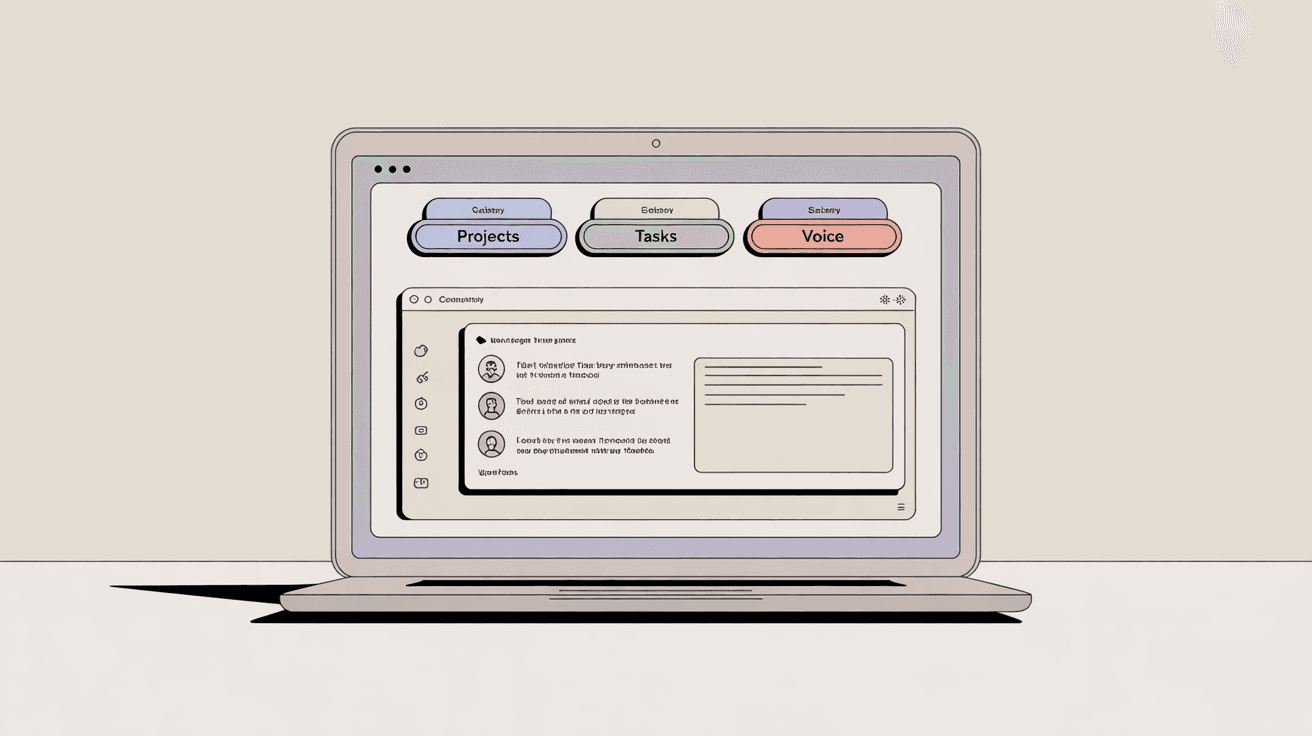
Quick timeline: what shipped and why it matters
If you want the official sources (and not the telephone-game version on social media), these are the most useful pages to bookmark:
ChatGPT Release Notes (official) and Introducing GPT-5 (official).
Two updates most people underused
1) Projects — If you only use ChatGPT as one-off chats, you’re leaving value on the table. Projects are what make it feel like a workspace: one place for ongoing writing, planning, research notes, or content drafts that belong together.
2) Scheduled tasks — This is the “set it and forget it” feature. Think reminders, recurring check-ins, or prompts you want delivered later. (The cleanest official write-up is in OpenAI’s business release notes here: ChatGPT Business release notes.)
Quick practical tip
If ChatGPT feels “messy,” don’t blame the model—fix your setup. Put anything ongoing into a Project, then keep one running “working doc” prompt at the top (goals, tone, constraints). It makes every reply better.
FAQ
What was the biggest ChatGPT update in 2025?
For most users, it was the shift to the GPT-5 series—especially GPT-5, GPT-5.1, and GPT-5.2—because it improved everyday writing/coding quality and made ChatGPT feel more customizable.
What are Projects in ChatGPT?
Projects are a way to keep related chats, drafts, and work grouped together so you’re not digging through your history every time you continue something.
What are scheduled tasks in ChatGPT?
Tasks let you ask ChatGPT to do something later (one-time reminders) or on a schedule (recurring prompts). It’s most useful for routines, checklists, and “don’t let me forget” moments.
Do I need a paid plan to get these updates?
Some features roll out to everyone, while others start with paid tiers first. The quickest way to confirm what’s available right now is the official release notes page.
Where can I see the official list of updates?
Use OpenAI’s official ChatGPT Release Notes—it’s the most reliable source.
Key Takeaways
- 2025 was the year ChatGPT shifted from “chatbot” to “daily work tool.”
- GPT-5 (and the 5.1/5.2 upgrades) were the headline improvements.
- Projects made it easier to keep ongoing work organized and reusable.
- Scheduled tasks introduced reminders and recurring actions inside ChatGPT.
- Customization mattered more—users got more control over tone and style.
- For the most accurate “what shipped when,” stick to official release notes.
 Quick-Updates
 Google’s Latest Update: What It Means for Your Website
Written by: Sarah M. Quick Updates Reporter I cover the updates people n...
Uber Files Lawsuit Against DoorDash
Ride-share and food delivery giant **Uber** has filed a lawsuit against **DoorDash**, accusing its c...